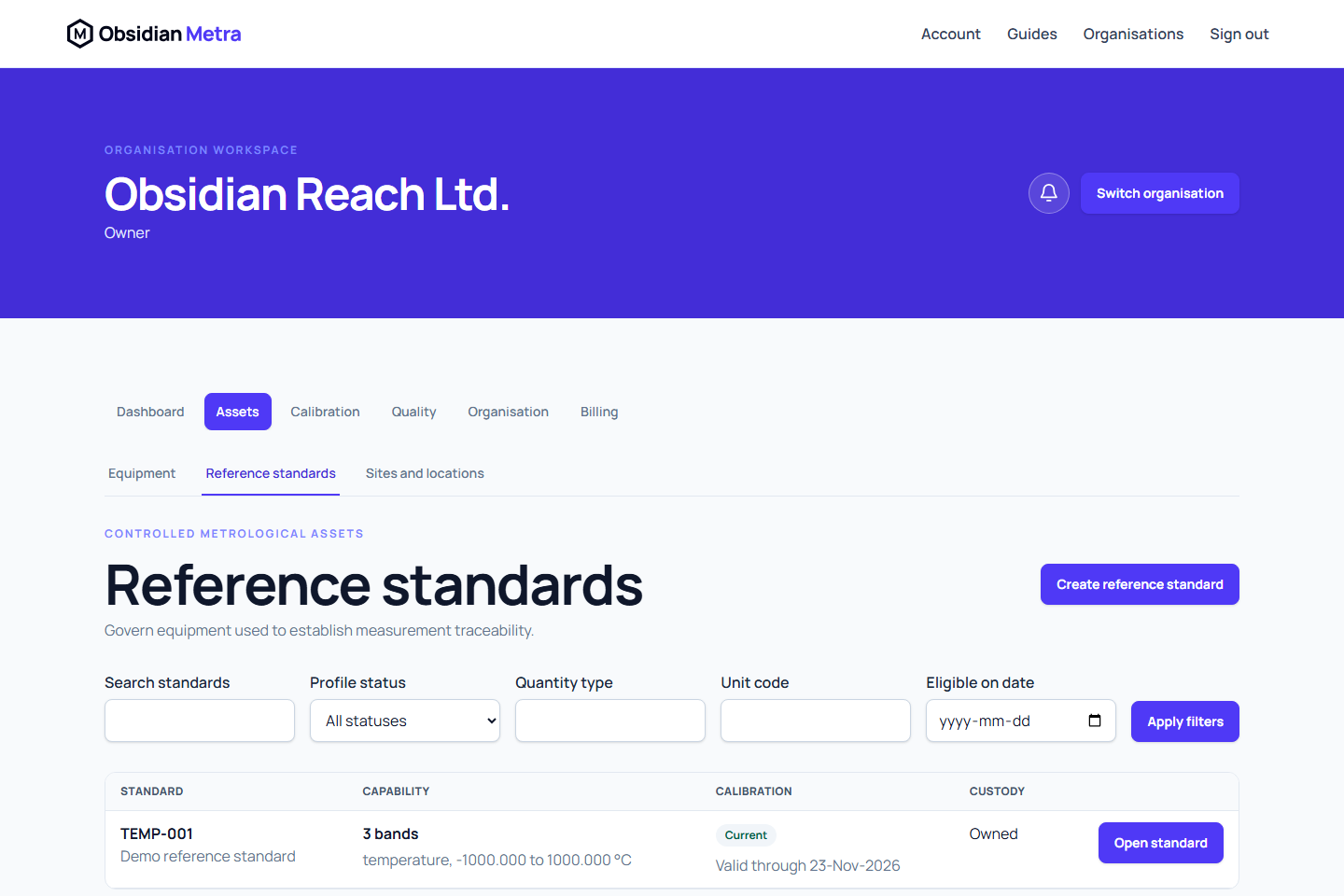
Reference standards extend the equipment register; they do not create a second asset record.
After the controlled profile is created, use Record current calibration certificate on that profile to prepare the external requirement and retain provider evidence in one guided workspace. See Record a reference standard's provider calibration. Reference registration still needs capability ranges, units and the appropriate custody or traceability context; a category suggestion does not supply them.
Before you start
Register the physical equipment first. An equipment record needs an active category; it does not need a reference-standard profile beforehand. Create reference standard is unavailable until the equipment list has loaded and contains an existing equipment record. Use Register equipment when you have permission, or ask a colleague to register the asset, then select Refresh equipment. If equipment cannot be loaded, select Retry equipment.
You can create the profile before calibration evidence is ready. Before using the standard in calibration work, confirm its asset ID, serial number, manufacturer, model, active status, assignment, calibration requirement, approved calibration, and retained certificate. Profile creation does not establish suitability for work; Metra checks eligibility separately.
Create the profile
- Open Equipment, then Reference standards.
- Select Create reference standard.
- Choose the existing equipment record.
- Record whether it is owned, rented, or provider owned.
- Add at least one capability band.
- Add applicable restrictions.
- Select an accepted terminal only when evidence supports that classification.
- Create the profile.
Calibration status and expiry are derived from approved calibration evidence. Do not enter them as profile notes.
Record a current calibration certificate
Open the reference-standard profile or its equipment page and choose Record current calibration certificate. Choose an active external requirement; if none exists, follow the equipment link to create or complete one first. Record the actual performed date, retain the provider certificate, complete its reported or documentary evidence and submit for independent approval. This uses the existing equipment → requirement → event → certificate workflow, so scheduling and approval retain one source of truth.
Current evidence does not require a historical-evidence attestation. Use the historical route only for genuine historical records with its separate attestation. Approved evidence supplies current validity; later expiry, invalidation and suitability checks still apply before using the standard.
Controlled changes
Profile changes create fixed revisions. Record a meaningful revision reason. Existing approved calibration events continue to reference the profile revision they used.
Reusable capability templates are intentionally deferred; define capability bands directly for now.
Classify restrictions and keep edits
Choose a universal prohibition when the standard must not be used through the ordinary approval route. Choose a condition of use when each calibration must record whether a condition was satisfied and provide evidence. Choose information or instruction for guidance that stays visible without itself blocking suitability. Existing restrictions retain their legacy warning/block behaviour until explicitly revised; historical usage snapshots remain unchanged.
Selecting a traceability terminal makes its evidence reference required. Capability errors identify the band and exact decimal field. Leaving an unfinished profile prompts you to save or remain on the page.