This feature turns an approved dossier into a private ZIP package.
If it stalls, fails, or expires, use Troubleshoot ISO 17025 dossiers.
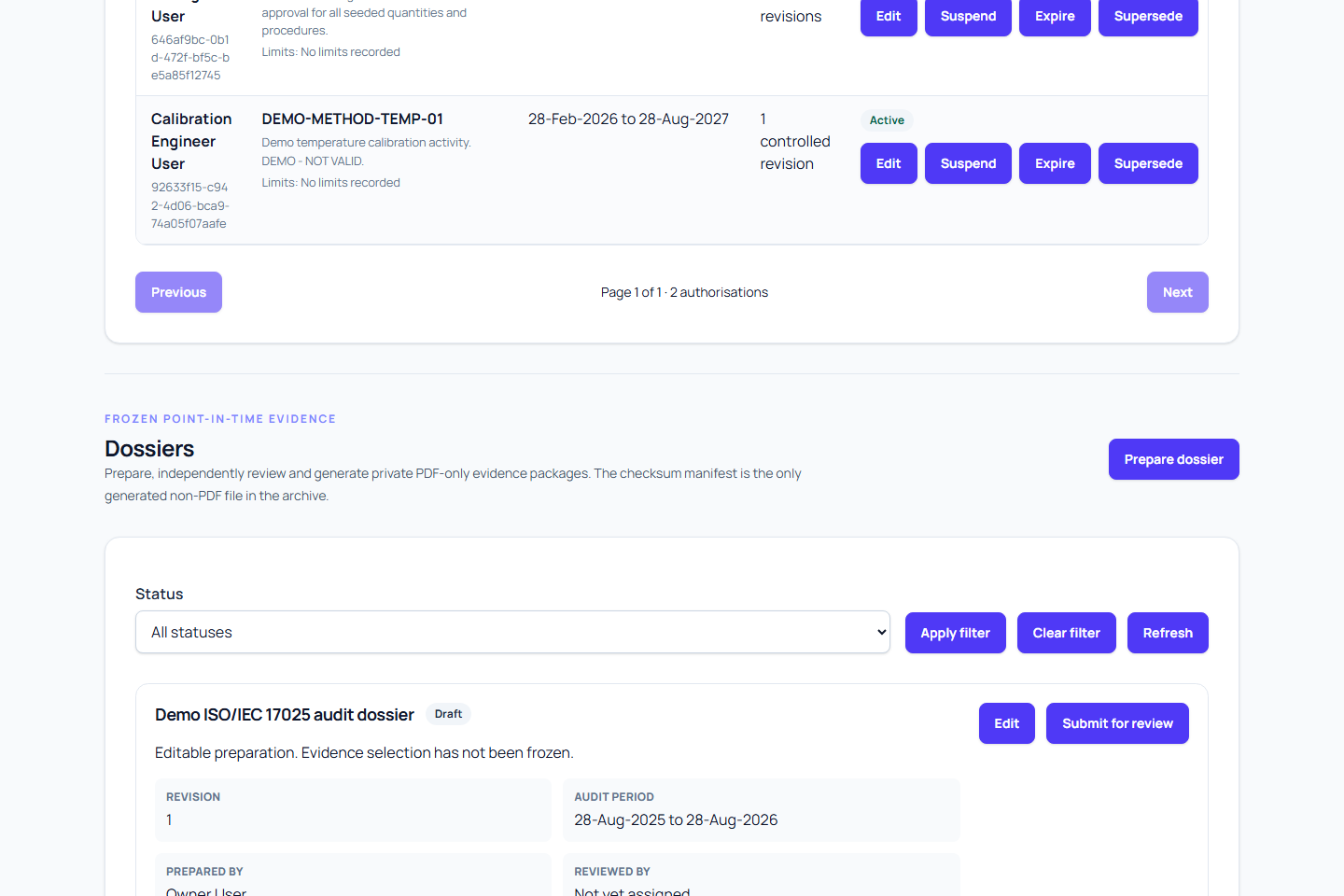
Before you generate
- Dossier status is
approved. - Your account has dossier generate/download rights.
- Frozen scope and required files are still available and valid.
- Controlled evidence and certificates in scope are checksum-valid.
Generate the package
- Open Dossiers and select the approved revision.
- Click Generate package.
- Confirm status changes to
generating. - Refresh later to see progress.
While status is generating, the request is saved and queued or being processed. It does not confirm that processing has started. Delayed starts and interrupted work are recovered automatically. You can leave and return to the same revision to check its status. Do not request generation again; an unusually long wait should be reported with the dossier reference, revision and request time.
Only one official archive is created per revision. Temporary internal attempts are reconciled automatically without publishing a duplicate official archive.
Check status
generating: saved and queued or processing in the backgroundavailable: ready to downloadfailed: check the code; use Retry generation for an eligible storage-write failure, or prepare a corrected revision for other failuresexpired: generated ZIP is no longer available
On success, the archive contains:
- generated PDF reports
- supplied evidence and certificates
- canonical JSON sections (including uncertainty evidence where requested)
manifest.jsonwith file paths, types, sizes, and checksums
Download the archive
- Confirm status is
available. - Click Download ZIP.
- Follow your organisation's controlled handling process for the downloaded copy.
- If your process requires integrity checks, verify each file against
manifest.json.
Downloads are authenticated through Metra. You need an active membership in the dossier's organisation and the dossier-download permission. Signing in or belonging to the organisation alone does not grant download access.
Expiry and retention
- A generated dossier ZIP is available for 90 days.
- After expiry, the dossier status becomes
expiredand the archive is removed from active download. - Dossier metadata, frozen scope, checksums, source links, and audit trail are still retained.
- You cannot regenerate the same revision after expiry; create a new revision.
Warnings and failures
Warnings in a generated package are not optional: read and explain them before using the archive. If required evidence is missing, unreadable, wrong size, or checksum-invalid, generation should not silently skip it. For storage_write_failed, resolve the temporary storage problem with the service operator and use Retry generation when offered. This queues the same approved revision and frozen evidence snapshot. Its approval and evidence selection remain unchanged. If it is already generating, return to that request and wait for its outcome instead of submitting another request.
Missing, corrupt or invalid evidence and other generation failures cannot use this retry. For those failures:
- Fix the source issue in the owning workflow.
- Create a new dossier revision.
- Submit for review and approve again.
- Generate again.
Final checks
- Do not alter files in the archive if it will be used for audit evidence.
- Keep downloaded copies in secure, approved storage.
- A successful archive is still a preparation output and does not decide accreditation on its own.