For the meaning of uncertainty, components and coverage factors, start with Measurement uncertainty.
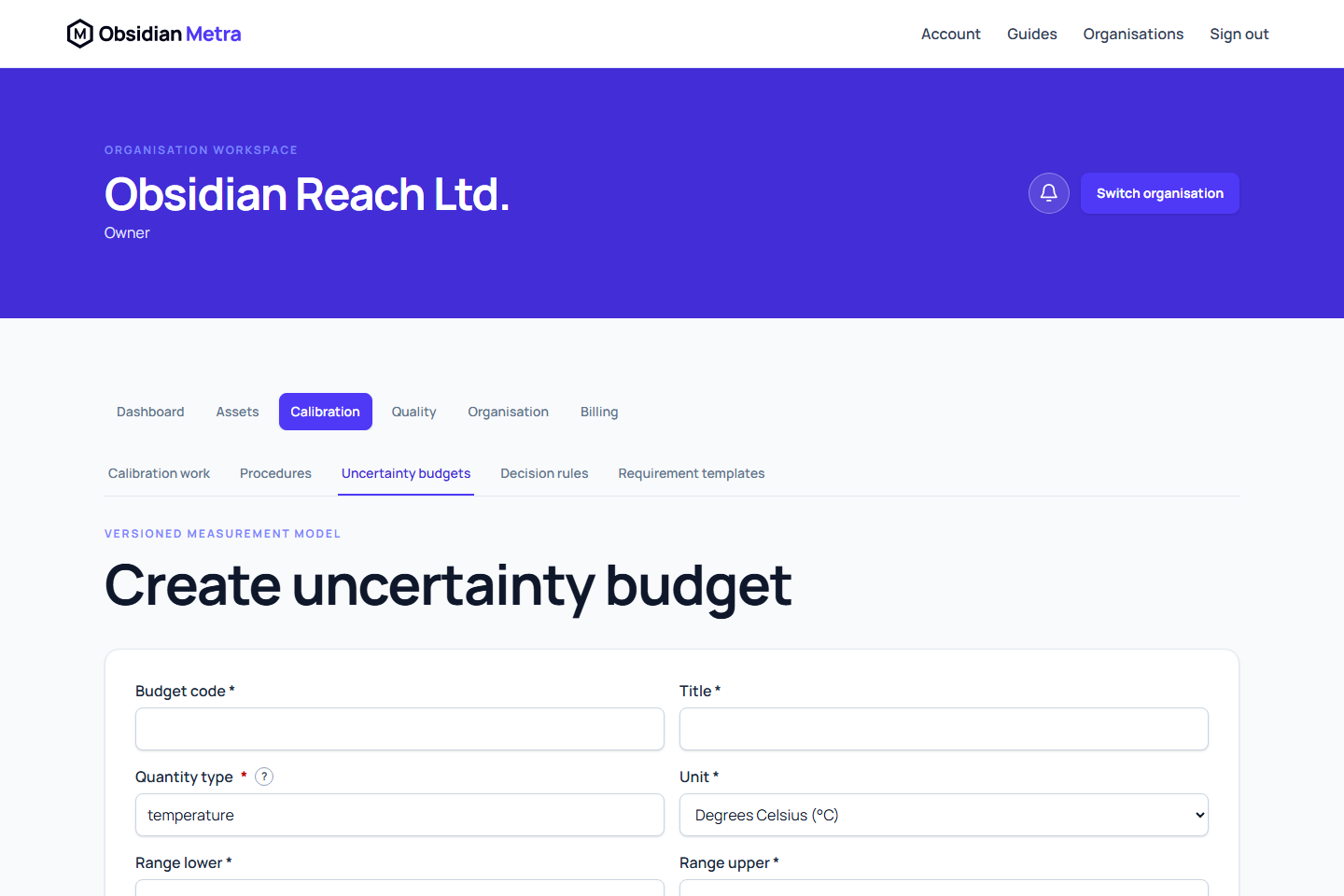
An uncertainty budget defines how Metra combines controlled Type A and Type B contributions. The budget is the controlled identity; its revision contains the calculation assumptions. It is separate from the observations and measurements produced during one calibration.
You can author and approve a budget before creating a procedure or requirement template. Define the measurement model and applicable units first; actual observations and reference-standard evidence are supplied during calibration work. Arrange an independent authorised reviewer for approval, then select the approved revision wherever calculated uncertainty is required.
- Open Calibration, then Uncertainty budgets.
- Select Create uncertainty budget.
- Enter the controlled code and title, then define the initial revision's quantity, exact unit code, applicable range, purpose, scope, dates, and change summary.
- Add ordered components for the reference standard, resolution, stability, repeatability, interpolation, or another supported source.
- Select the evaluation type and distribution for every component.
- Enter controlled magnitudes only when the value is part of the definition. Reference-standard values and repeated readings are resolved during work.
- Enter sensitivity coefficients and degrees of freedom where applicable.
- Save the budget and its initial draft revision.
The initial revision uses the controlled fixed coverage policy k = 2. Metra stores decimal strings exactly and performs official arithmetic on the service. The website formats applicable results to three decimal places without reducing retained precision.
Only draft revisions can enter the submit-and-approve lifecycle. The draft author can Edit draft with a reason. Use Create replacement draft after an earlier revision has been approved, rejected or withdrawn. See Uncertainty-budget revisions for correction and supersession.
This release does not accept arbitrary formulas, correlated components, covariance, interpolation models, guard banding, Monte Carlo models, or variable coverage factors. Source values retain their unit codes; the backend converts compatible uncertainty contributions into the budget output unit.
Next: Review and approve an uncertainty budget.
Entering and saving values
Enter exact decimals with a decimal point, without commas or scientific notation, for example 0.125. Inputs retain their precision; field-specific errors identify the component or range that needs correction. Effective and expiry dates continue to use UTC.
Clear an optional controlled default or explicit divisor to leave it unspecified. A derived divisor is resolved by the selected model; a blank field is not zero. For a finite model, clear Infinite degrees of freedom and enter the positive whole-number value supplied by the model. Selecting Infinite records that assumption instead of retaining a contradictory finite value. Metra does not invent an external provider's coverage factor.
If you edit an existing revision while its save is pending, the submitted values are saved first and the later edits remain in the form as unsaved changes. Save those changes separately after the first request finishes. A failed or conflicting save retains your entered values; review the current revision before retrying.
Initial budget creation and revision editing warn before you leave with unsaved changes. Save a draft to retain the model beyond the current page.
Review the saved model and calculate a preview
The revision view shows each component's saved distribution, divisor mode, sensitivity, degrees of freedom and source. A derived divisor is identified separately from an explicit divisor or a source coverage factor. Infinite degrees of freedom is a model assumption; missing work inputs remain missing. Component contributions are calculated values, not values implied by a saved definition alone.
Save the revision, then use Calculate preview. Supply sample values for work-dependent components, ordered repeated observations where required, and the stated coverage factor for expanded source evidence. The backend uses that exact saved revision and the same calculation engine used for work. The preview shows component standard uncertainties and contributions, combined standard uncertainty, effective degrees of freedom, k, U, units and assumptions.
A preview with missing inputs is incomplete and does not establish a universal expanded uncertainty for the budget. Sample reference inputs are not authenticated certificate evidence. Preview does not save a calibration evaluation or approve a budget. Check the author, change summary and revision before submitting or approving.
New resolution components propose a rectangular distribution. Confirm the declared source and model with a qualified reviewer: distribution and magnitude must describe the same assumption, such as a half-width. Existing components retain their saved distributions; a preview does not correct or replace them automatically.