A generated certificate is available only when the requirement's certificate route is Metra-generated certificate. The route is frozen when the calibration event is created.
Check certificate information
Confirm laboratory contacts, customer identity and address (or internal work), customer order reference, actual calibration location and address, approved method description and certificate setup notes. Correct missing values before submission and issuance. The PDF includes instrument description and explicit issue date alongside the calibration date.
Issued certificates freeze these details. Changing an address, client, location or procedure later cannot change an issued certificate or a rendering retry. Use the controlled amendment workflow for corrections.
For Internal work — our organisation, the same controlled output route produces an Internal calibration report and retains any recorded internal requester, recipient and department. The output also retains the saved actual place of work, work site and applicable transport and stabilisation context. Review these separately from the registered calibration location and its effective address. See Plan internal work and reports and Prepare and perform on-site work.
Site contact disclosure is off by default. Choose Include the selected site's contact details on the output only when appropriate; the output retains that selected contact snapshot rather than reading later changes. Access notes are always excluded. See Manage site contacts and access notes.
Generated PDFs display error, expanded uncertainty (U) and coverage factor (k) to three decimal places. Nominal, reference and instrument readings retain their recorded precision; stored measurement values remain unchanged. New previews and newly issued certificates use the current layout; previously issued PDFs retain their original contents.
Uncertainty values and coverage factors come from the recorded evidence. Metra does not assume a particular confidence probability or distribution solely from the coverage factor. Measurement-only procedures produce certificates without a conformity statement.
Certificate layout
Every Metra-generated certificate uses the same structure:
- Laboratory identity, issue date, certificate number, calibration date and authorised signatory.
- Customer, order reference, instrument identity and the actual calibration location.
- Recorded method, environmental conditions and calibration setup.
- Results grouped by measurement type and as-found/as-left stage, with units, nominal and reference values, unit-under-calibration (UUC) readings, error, expanded uncertainty (U) and coverage factor (k). Conformity results appear only when applicable.
- Reference standards, traceability, controlled statements and certificate verification.
The layout uses aligned text for identifying details and tables for results, with space between the main sections and measurement groups. The approved logo and accreditation seal sit beside the laboratory identity at the top. Longer content continues onto numbered pages carrying the certificate identity. A preview uses the same structure with a preview label on every page and no issued number, signatory signature or verification code.
Accreditation marks and laboratory numbers appear only for an eligible accredited certificate. Metra does not invent receipt dates, component serial numbers, agreed recalibration dates, confidence probabilities or missing historical evidence. Uploaded certificates and previously issued PDF files retain their original layout and contents.
Complete the required work
Follow the guided calibration plan. Metra checks the required procedure outputs, reference standards, measurements, uncertainty, conformity decision, result summary, signatory eligibility, numbering policy, and accreditation scope.
Review the accreditation preflight while preparing work. It assesses the saved measurements, context, scope and CMC and explains whether the work is currently eligible for an accreditation claim. It does not approve the work or reserve a mark. Issuance repeats the checks using frozen submitted evidence; later profile or evidence changes can affect eligibility. Work outside a reviewed range cannot acquire the mark through a direct API issuance request.
If rejected work is reopened as a draft, preflight, readiness and certificate previews use its current saved measurements and uncertainty evidence. Correct and save the draft evidence before checking again. Earlier submitted evidence remains in history; it cannot fill a gap in the current draft. Work awaiting review or already approved continues to use its frozen submitted evidence.
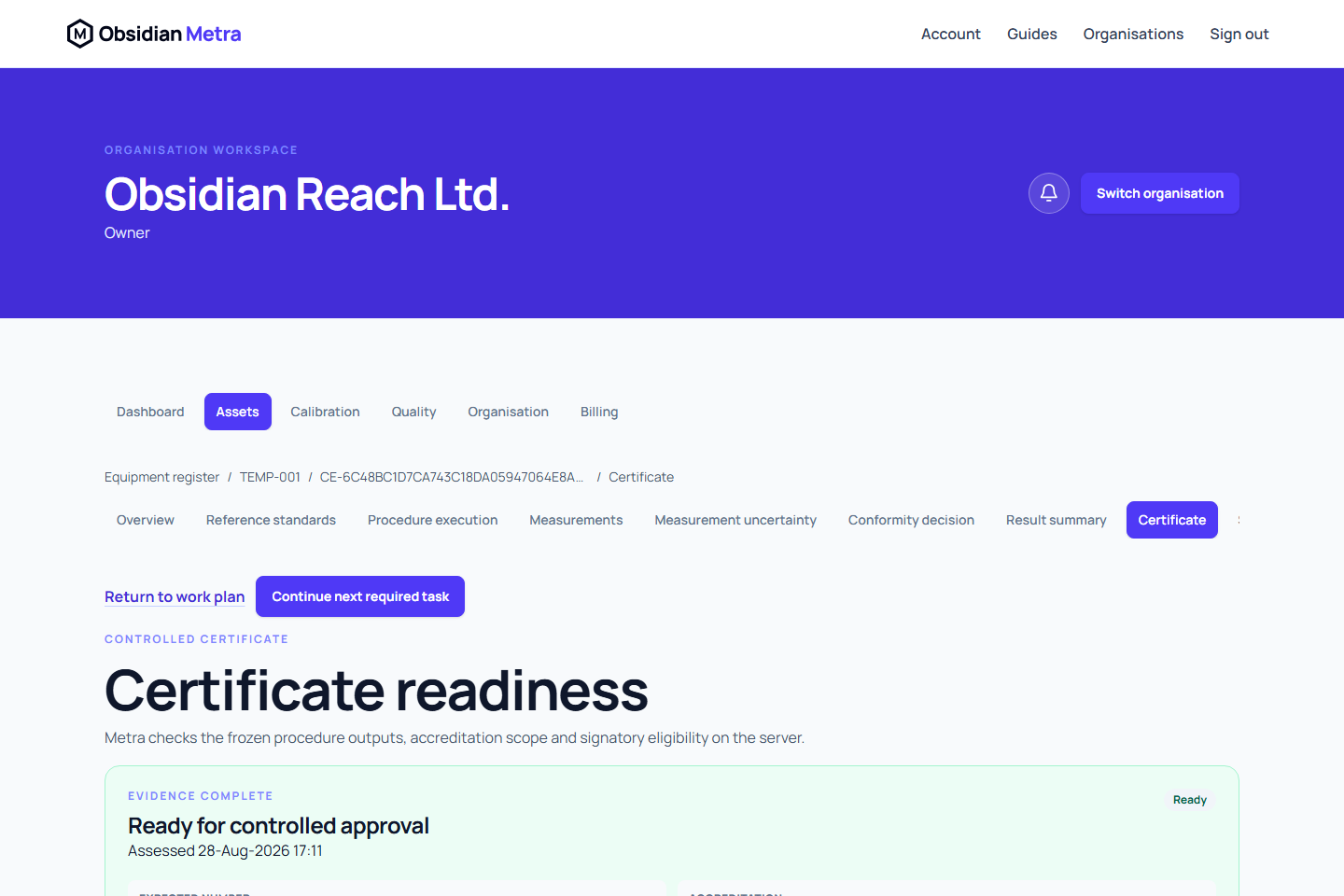
Open Certificate to view grouped readiness findings. Use Correct this to open the relevant work or settings page. Customer and calibration location selections are in Result summary; organisation contacts are in Organisation settings > Contact details. Address corrections open Sites and locations. Method description findings open Calibration procedures, where an authorised user can create and approve a corrected revision; procedure execution findings open the event's Procedure execution. Approved evidence remains immutable: use controlled amendment or supersession when needed. A watermarked preview may be available before issue, but it is not an issued certificate.
Submit and approve
- Resolve every blocking readiness finding.
- Submit the complete calibration for independent review.
- The approver reviews the frozen evidence, controlled statement, accreditation outcome, and certificate wording.
- The approver applies an active electronic signature and confirms approval.
The approver must have certificate-issue permission, current technical authorisation, a current signature, recent authentication, and no prohibited involvement in the performed or submitted work.
Approval atomically freezes the certificate snapshot and allocates its sequential number. The worker renders the PDF from that snapshot. Render retries retain the same number and evidence.
Certificate rendering is asynchronous. While the revision is pending_render, refresh later rather than creating or approving duplicate work. Long-running generation retains its active claim while it is healthy. If processing is interrupted, the worker can recover it safely; overlapping worker runs cannot publish two official PDFs for the same revision.
Download and verify
The certificate history shows pending, issued, failed, superseded, and voided revisions. Use Download PDF on the particular revision you need, including previous issued revisions. History remains available even when a fresh readiness assessment reports an error. Downloaded PDFs include the certificate number, organisation branding, signatory evidence, applicable accreditation mark, checksum-backed identity, and a public verification reference.
Use Retry render only after the status becomes render_failed and the action is offered. Internal generation attempts and abandoned temporary files are reconciled automatically and are not exposed as certificate revisions or public verification records.
Related guides
- Configure certificate numbering
- Understand signed approvals
- Amend or void a generated certificate
- Verify a generated certificate
Progress and recovery
Certificate rendering status updates automatically while this page is open. You can leave and return later; an issued certificate displays a download action. A completion message appears when rendering finishes. Failed rendering retains its existing retry action and history.
Document date format
Generated PDFs and readable export summaries display dates as DD-MMM-YYYY, for example 01-Jan-2026. Where a time is required, it is shown with an explicit UTC timezone. Structured CSV and JSON export values retain ISO formats for data processing. Previously issued documents retain their original contents.